
Exporting slices
The plugin UI can export selected layers as PNG slices (and ZIP), separate from MCP save_screenshots.
When to use which
Plugin workflow
- Select one or more exportable nodes (max 50)
- Open the Export tab — 1× previews generate automatically
- Click a thumbnail to preview larger
- Download one PNG or download all as a ZIP (JSZip in the UI)
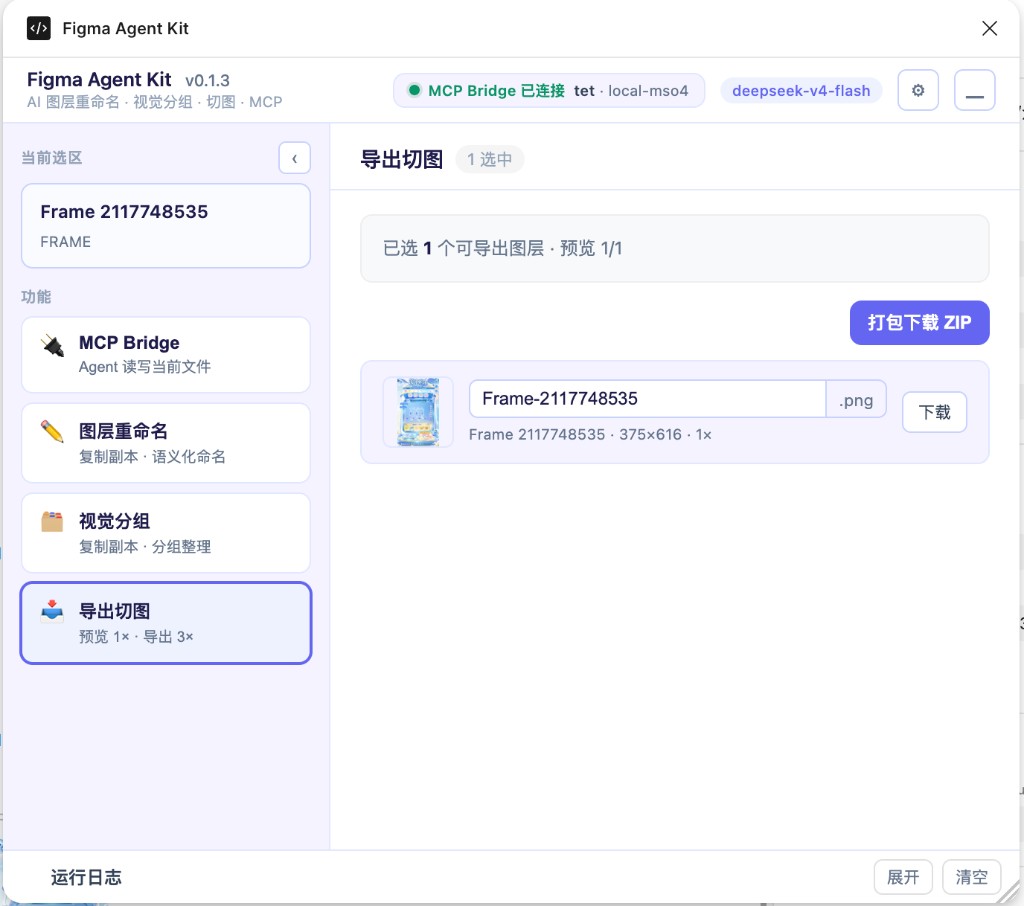
Naming is sanitized for the filesystem. Non-exportable node types are skipped with a clear message.
MCP parity
See tools.md for full save_screenshots options (clip, SVG/JPG/PDF, etc.).
Implementation notes
- Logic:
packages/figma-agent-plugin/src/export/slices.ts - UI: Export view inside
ui.html - MCP compression:
packages/figma-agent-mcp/src/compress-png.ts