Screenshots
Visual tour of the Figma plugin and Cursor MCP setup.
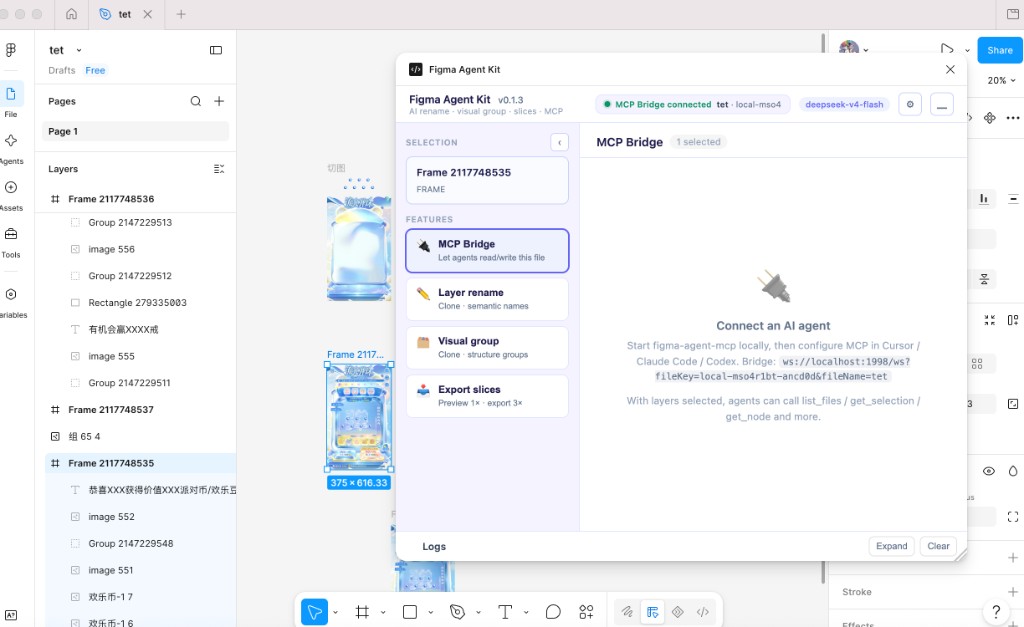
Plugin in Figma Desktop
Full panel with MCP Bridge connected (green status), selection, and feature modules.
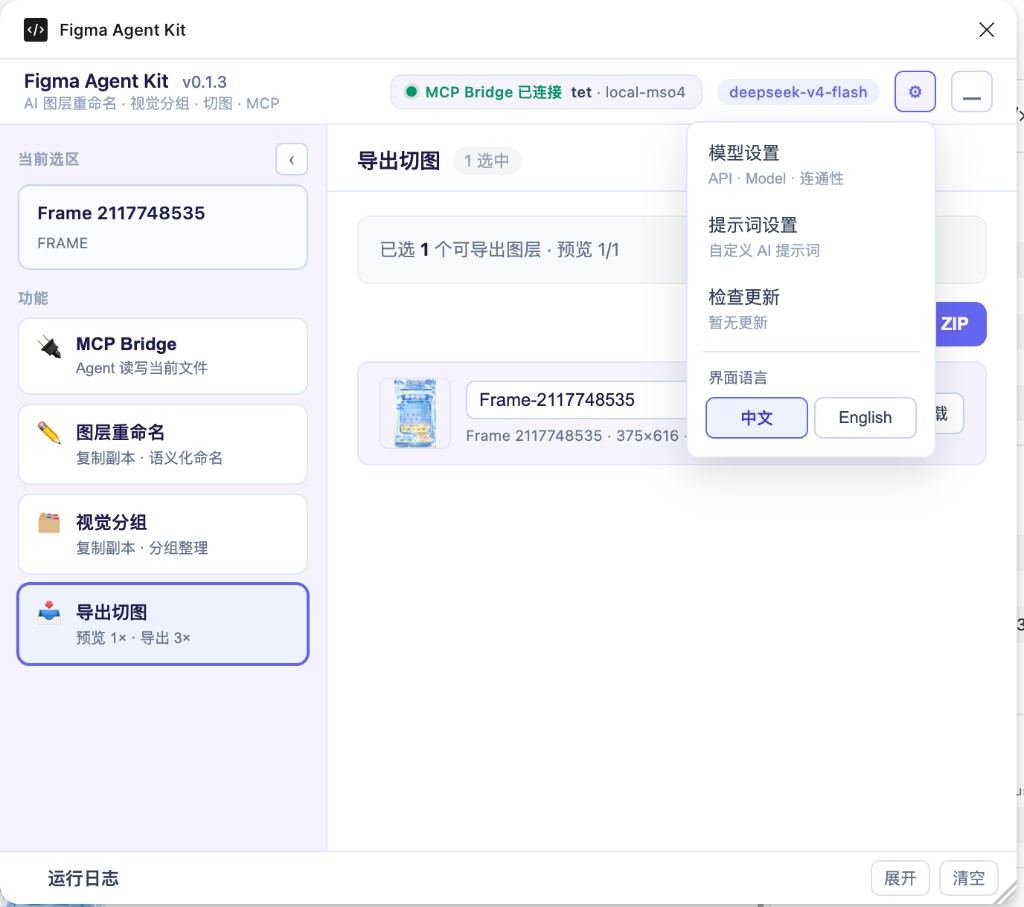
Settings menu
Gear menu: model settings, prompt settings, update check, and 中文 / English language toggle.
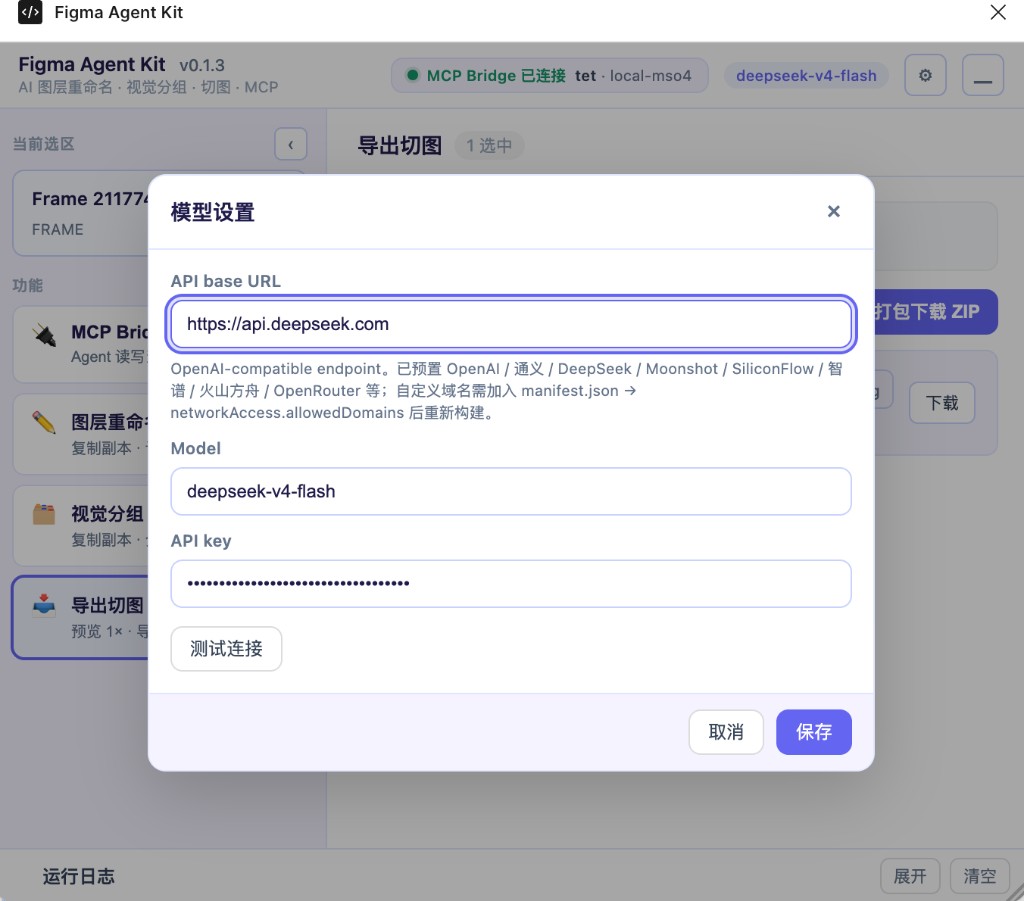
Model settings
OpenAI-compatible API base URL, model name, API key, and Test connection.
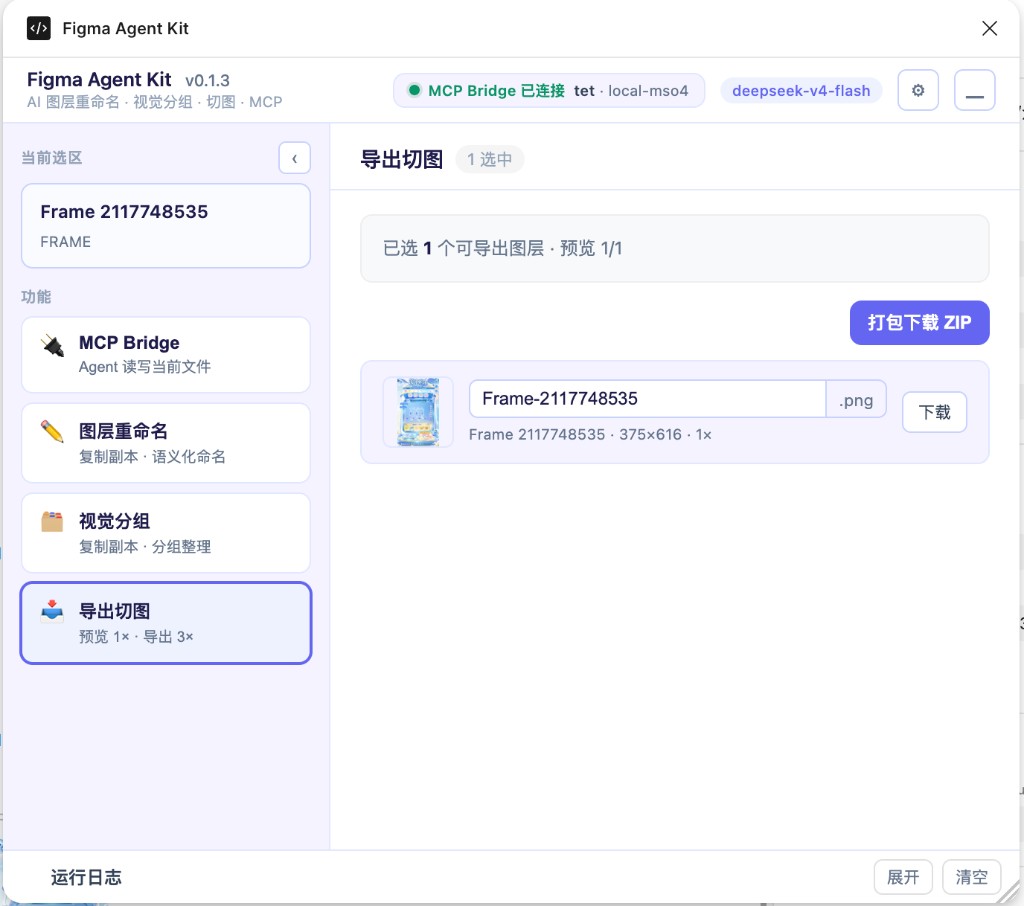
Export slices
Export tab: 1× preview, editable filename, single download, and ZIP pack (3× PNG).
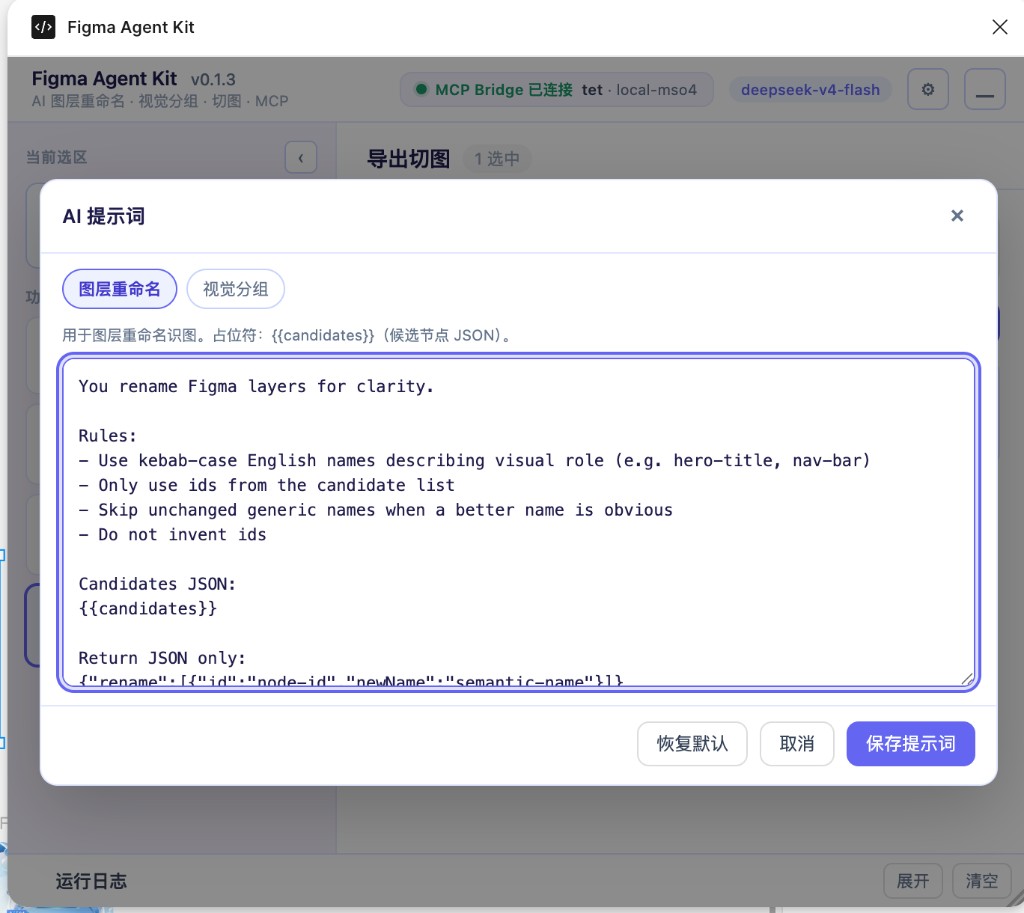
Prompt settings
Editable system prompts for rename / group ({{candidates}} and related placeholders).
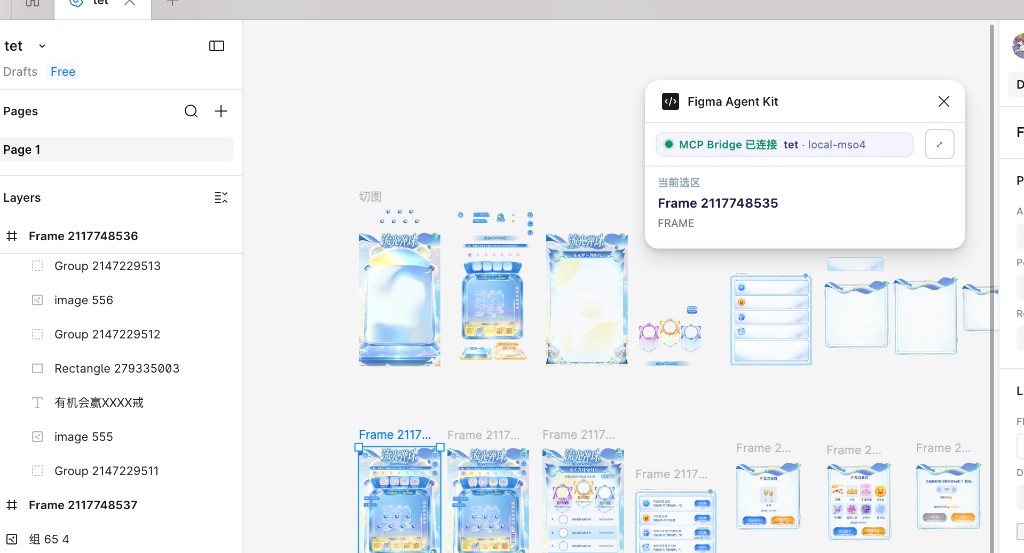
Mini mode
Compact window: bridge status + current selection only (use the minimize control in the header).
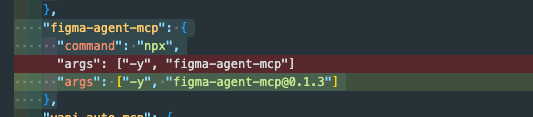
Cursor MCP config
Example mcp.json entry using npx (unpinned; npx installs latest).
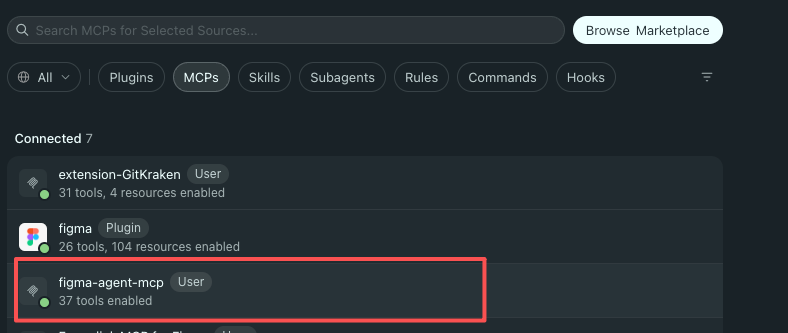
Cursor MCP tools
After a successful connect, Cursor shows figma-agent-mcp with 37 tools enabled.